Which sites does it work on?
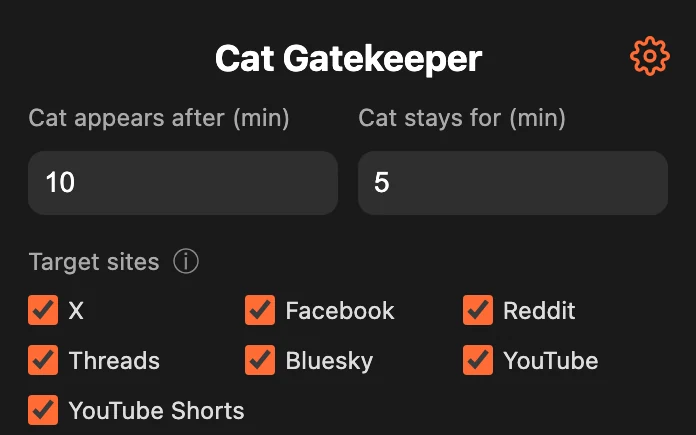
You can choose from major social media and video sites, or add any site by entering its URL.
How is usage time measured?
Time is counted only while you are actually viewing a site you set. For how multiple tabs are handled and when the time resets, see “How time tracking works” in the how-to section.
Is it free?
Yes. Cat Gatekeeper is free to use.
Why is Cat Gatekeeper free?
Making it paid would take time not only to build, but also to manage and support afterward. I would rather spend that time improving this project and turning even more new ideas into real things, so I decided to offer Cat Gatekeeper for free. Enjoying it? Your support would mean a lot.
Why is site access needed?
Site access is needed to measure usage time on the sites you choose and display the cat break screen. Cat Gatekeeper does not collect your browsing history or page content or send it outside your browser. Your settings and usage time for target sites are stored only in your browser.
Can I change the timer?
Yes. You can change both the time before the cat appears and how long it stays from the extension menu.
The cat does not appear.
Right after the extension updates automatically, the update may not take effect on pages that are already open. Make sure the target site is enabled, then reload the page once. If the issue continues, another extension may be interfering, so try temporarily disabling other extensions and test again.
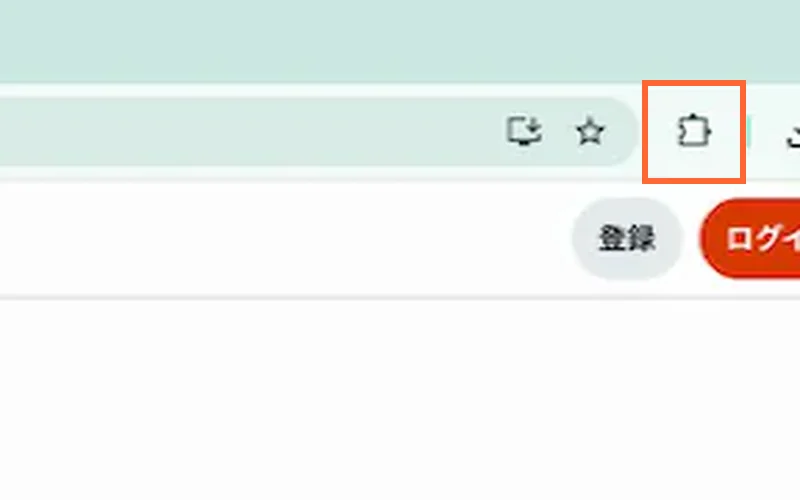
Where can I open the menu?
Open the extensions (puzzle) icon in the top-right of your browser, then select Cat Gatekeeper.
Can I dismiss the cat?
Yes. A little while after the cat appears, a button shows up under it. Press and hold that button for about three seconds, or open the extension menu and press the dismiss button.
Which browsers are supported?
Cat Gatekeeper currently supports Chrome, Brave, and Firefox. Other browsers are also under consideration.
Is it available in other languages?
It supports 18 languages, including Japanese and English, and switches automatically to match your browser's language.
Supported languages: Japanese, English, Chinese (Simplified), Chinese (Traditional), Korean, Spanish, French, German, Italian, Portuguese (Brazil), Russian, Polish, Turkish, Hindi, Indonesian, Malay, Thai, Vietnamese
Are the cats real?
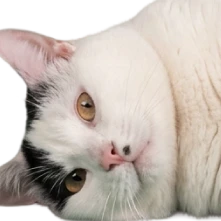
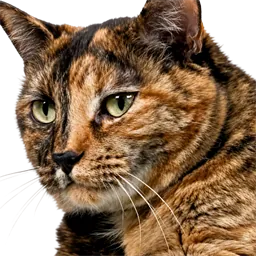
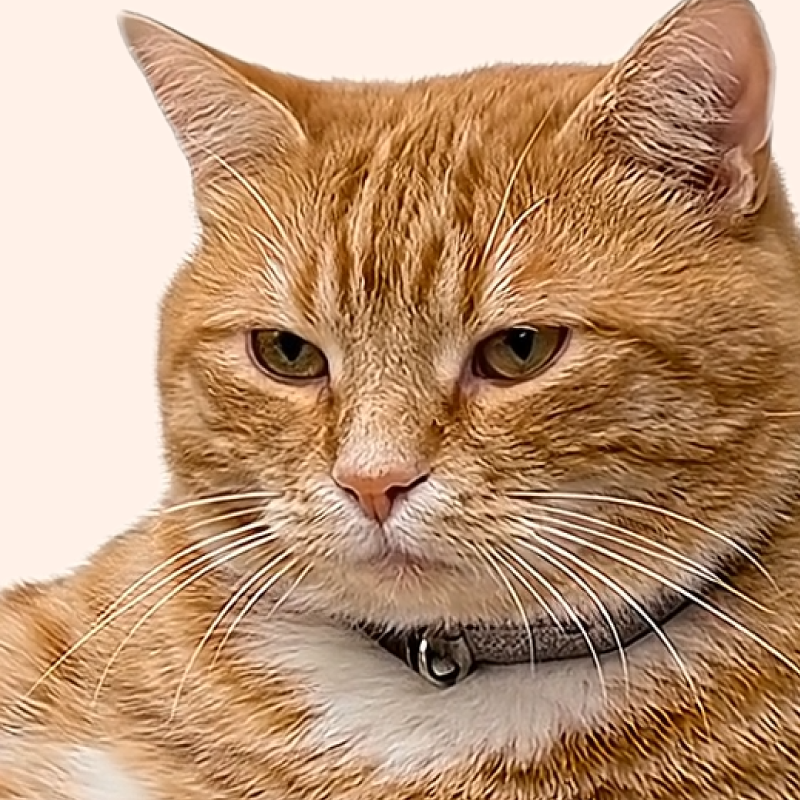
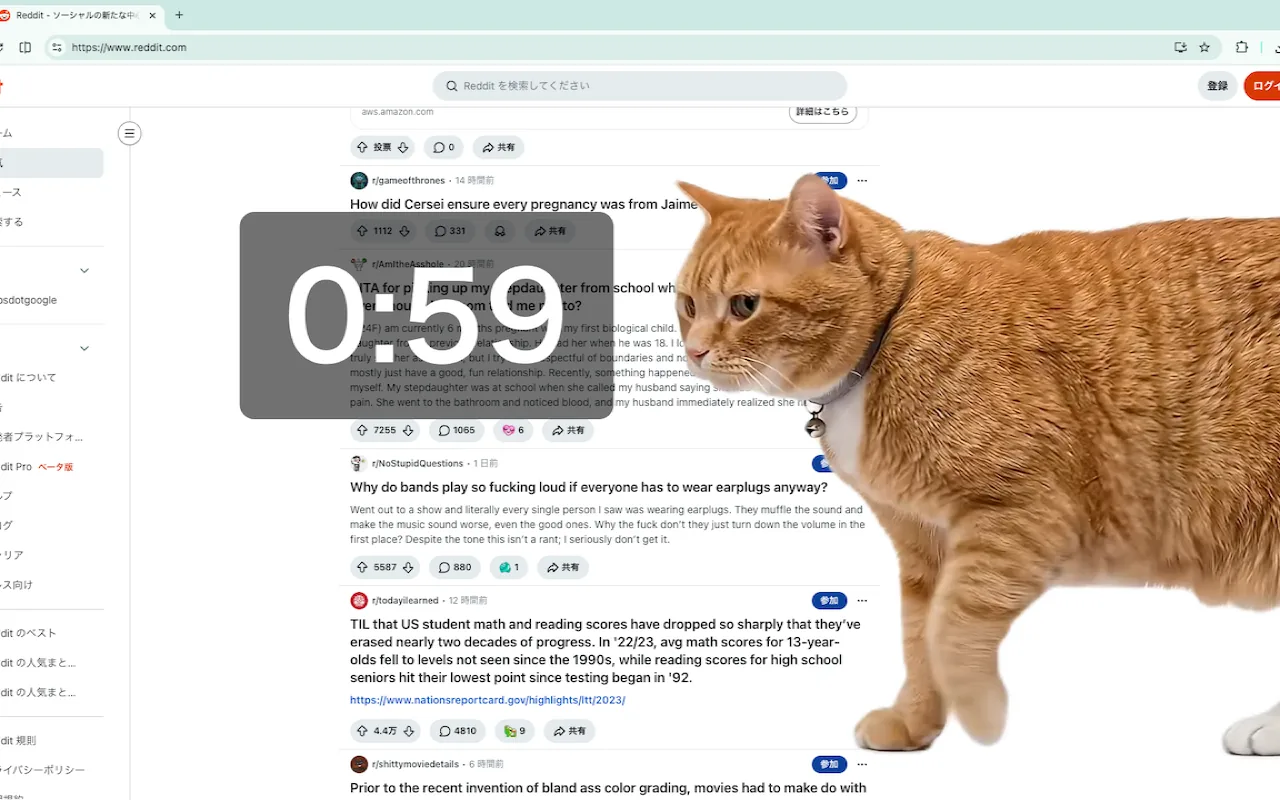
The cats in the videos are ideal cats created with the help of AI and carefully adjusted one by one to become the ultimate lovable distractions. Please treat them kindly as little gatekeepers for your desk.
Can I use the assets in the extension?
You are very welcome to include screenshots or screen recordings in posts introducing Cat Gatekeeper or sharing your impressions. However, please do not extract, reuse, or redistribute image or video assets included in the extension.