
Official Desktop App

Cat Gatekeeper

Set a work timer
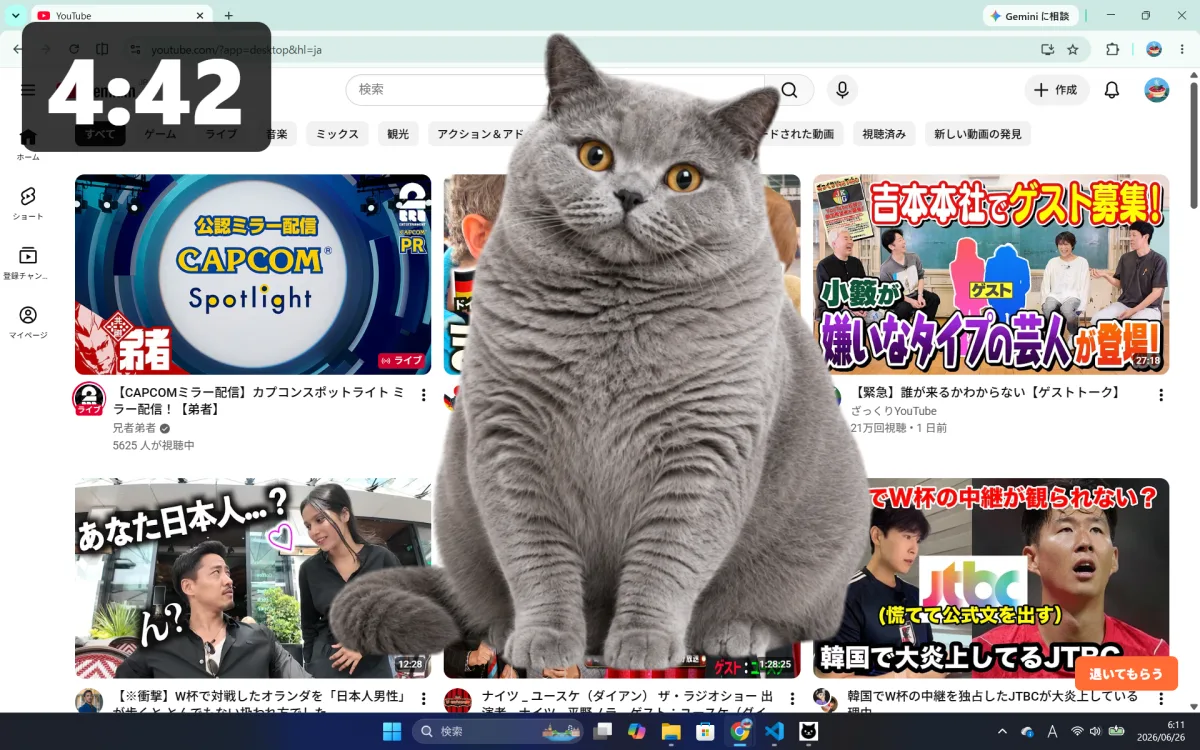
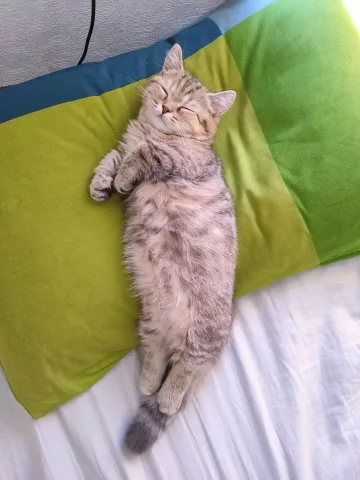
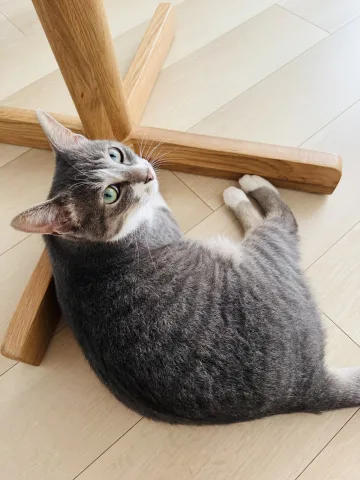
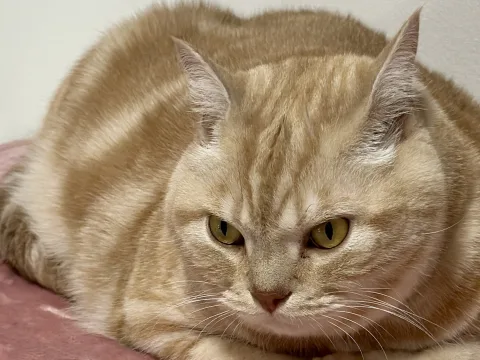
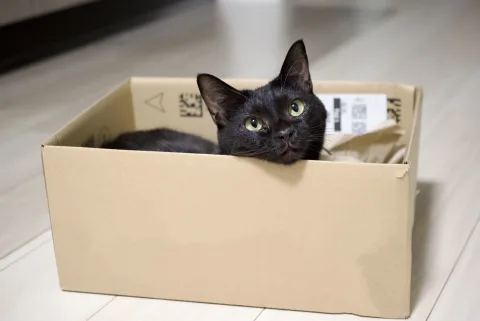
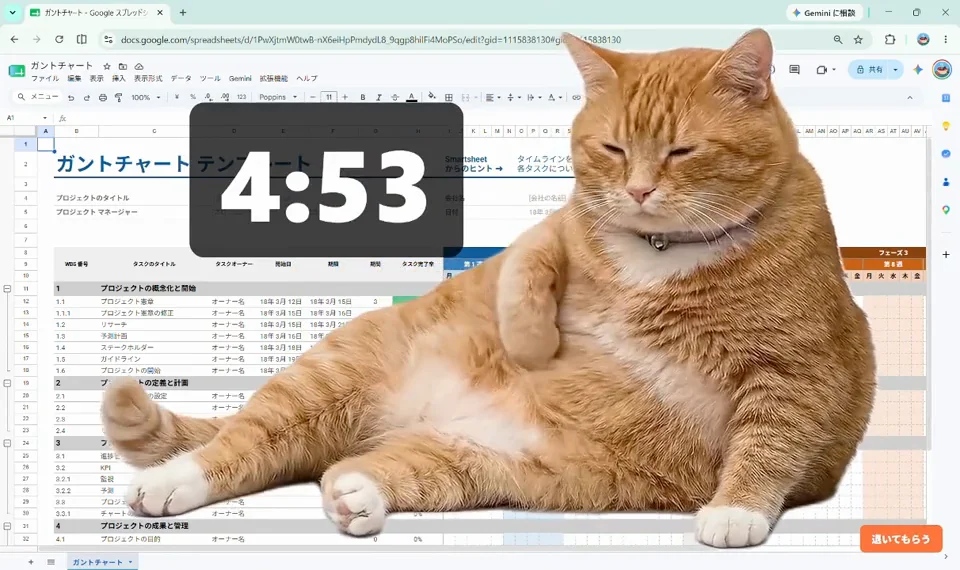
The cat takes over your screen when it is time for a break

30,000+ total downloads

Focused so hard you forget to take breaks?

Worried about you staring at the screen nonstop, the cat steps in, like it or not.
The browser alone wasn't enough.
In the desktop app, the cat lounges wherever it likes across your whole computer.

Deadline or not, crunch time or not, we humans are just servants to our cats!
When the cat settles in as if to say, “Give me some attention,” close your eyes and take your break.

WHAT'S NEW

September 21, 2026: Ver. 1.3.31 (Mac & Win)

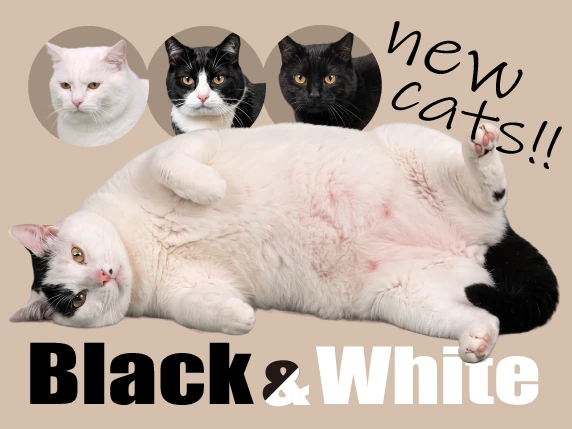
• Four new star cats have joined the monthly plan.

• Fixed an issue where the break screen appeared shifted when using Stage Manager on macOS.

• You can now copy the support email address from within the app.
Past updates

September 10, 2026: Ver. 1.3.27 (Mac & Win)

• Added a monthly plan that gives access to all star cats. The first month is free.

• Added a new star cat, the Tuxedo Cat.

August 18, 2026: Ver. 1.3.11 (Mac & Win)

• Added three new star cats.

• Added a "UFO" effect.

August 5, 2026: Ver. 1.3.9 (Mac & Win)

• Added a third star cat.

• Added a "Rainbow" motion for "Mine" cats.

• Improved star cat previews.

• "World" cats you haven't met yet now appear first.

• Fixed display and data-saving issues and improved stability.

August 1, 2026: Ver. 1.3.7 (Mac) / Ver. 1.3.6 (Win)

• Added support for Intel-based Macs.

• Added a new motion, "Space Cat."

• Added a button to play and preview motions.

• Newly added "World" cats now show up sooner.

July 29, 2026: Update Notes

• Added a new star cat.

July 10, 2026: Update Notes

• "World" cats have arrived! Cats from users around the world now come tell you it's break time.

• Added menu bar tray mode. You can close the window and keep using the app from the menu bar.

June 20, 2026: Update Notes

• You can now add your favorite photos.

• You can now remove the background from added photos.

• Motion features have been added.

• The menu screen display and behavior have been improved.

• Fixed an issue where the Dock icon could become unstable during breaks on Mac.

• Fixed an issue where the menu might not appear after ending a paused countdown on Mac.

May 24, 2026: Desktop app released!

Cat Gatekeeper Desktop is now available for both Windows and Mac.

May 1, 2026: Official website launched

The official Cat Gatekeeper website is now available.

FEATURES

New Features

Cats appear at break time

When it is time to rest, a cat appears on your desktop.

Screen for adding a custom cat photo

Add a photo

Add your favorite photo as a “Mine” cat.

Example of a cat photo shown after background removal

Remove the background

Remove the background from your photo so it blends naturally into the screen.

Choose effects

Add your favorite effect to a photo and show it during breaks.

WORLD

Cat photos wanted

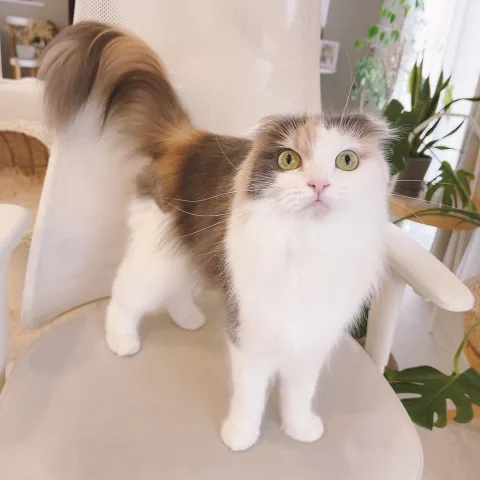
World cat Norn World cat Chima World cat Hana World cat David World cat Sui World cat Sakura

Everyone's cats wanted! →

HOW TO

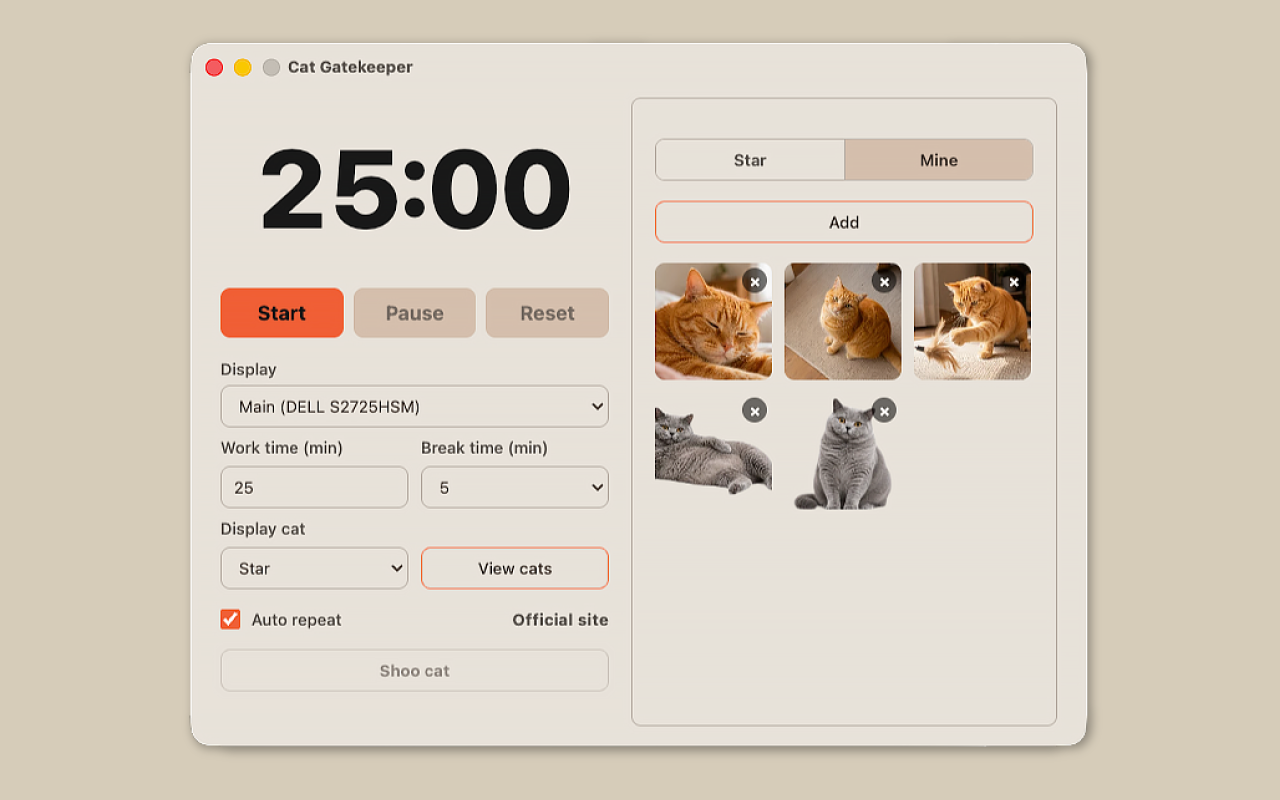
  1. The timer window
    1

    Set your times

    Choose your work time and break time freely (25 and 5 minutes by default).

  2. The cat icon and time left in the menu bar, with its menu open
    2

    Get to work

    Keep the timer on screen, or tuck it away in the menu bar (Mac) or system tray (Windows).

  3. A cat on the screen during a break countdown
    3

    Take a break with the cat

    When time is up, the cat appears on your screen and stays until the break is over.

    To end early, use the dismiss button at the bottom right, or dismiss the cat from the menu.

PRIVACY

Here is what Cat Gatekeeper does and does not do with your data.

  • Photos you add as “Mine” cats are processed and stored on your device and never sent anywhere
  • Your settings and timer records are stored on your device
  • No account or sign-in is needed
  • No ads and no tracking tools
  • The app goes online only to fetch “World” cats and extra content, verify purchases, and check for updates

Q&A

Is this the same as the browser extension?

No. The browser extension helps prevent overuse of selected websites, while the desktop app is a timer that encourages breaks from computer work as a whole.

Does the app track what I do?

No. It does not track your browsing history, app usage, keystrokes, or screen contents. It only follows the work and break times you set.

Which platforms are supported?

It works on macOS and Windows. The macOS version supports both Apple silicon and Intel-based Macs.

Can I change the timer length?

Yes. You can change both the time before the cat appears and the break time from the app menu.

The cat does not appear.

Set your work time and break time, then start the countdown. When the countdown reaches 0 and break time begins, the cat will appear on your screen.

Does it need an internet connection?

The timer, the free Star cat, and your “Mine” cats work offline. “World” cats and cats included with the monthly plan may require an internet connection because the app automatically downloads and rotates image and video files as needed while you use it. An internet connection is also required to buy or verify the monthly plan, view update information, or open the official website.

Are photos I add sent anywhere?

Photos added as “Mine” cats are processed and stored on your device and are not sent anywhere.

Can I remove the background from a photo?

Yes. Turn on Remove Background when adding a photo to process it on your device. Photos with simple backgrounds work best.

Can I add effects to a photo?

Yes. You can add movement and visual effects to your “Mine” photos, and change them later from the “Mine” list.

Can I use the app after closing the window?

Yes. Turn on the tray option in Settings to use the app from the menu bar on macOS or the system tray on Windows after closing the window.

Can I dismiss the cat?

Yes. You can dismiss it from the app menu, or by pressing the dismiss button that appears in the bottom-right corner of the screen when the cat appears.

Are the cats real?

The cats in the videos are ideal cats created with the help of AI and carefully adjusted one by one to become the ultimate lovable distractions. Please treat them kindly as little gatekeepers for your desk.

Can I use the assets in the app?

You are very welcome to include screenshots or screen recordings in posts introducing Cat Gatekeeper or sharing your impressions. However, please do not extract, reuse, or redistribute image or video assets included in the app.

The update is not reflected.

Automatic updates may be turned off, or the store may still be rolling out the latest version. Open the Cat Gatekeeper page in your app store and check whether an update is available.

Will new cats be added?

Yes. More cats are planned for future updates.

FOLLOW